

Tenants Page#
Note
Tenants, tenancies, and other features are available if you have paid for multi-tenant support. Contact Penguin Solutions to learn more.
A tenant is a customer who rents nodes on a larger ClusterWareAI ™ instance, or super-cluster. The Tenants page displays a list of tenants. The page is available via User Management > Tenants in the left navigation panel of the super-cluster instance of the ClusterWareAI software if you have multi-tenancy enabled.
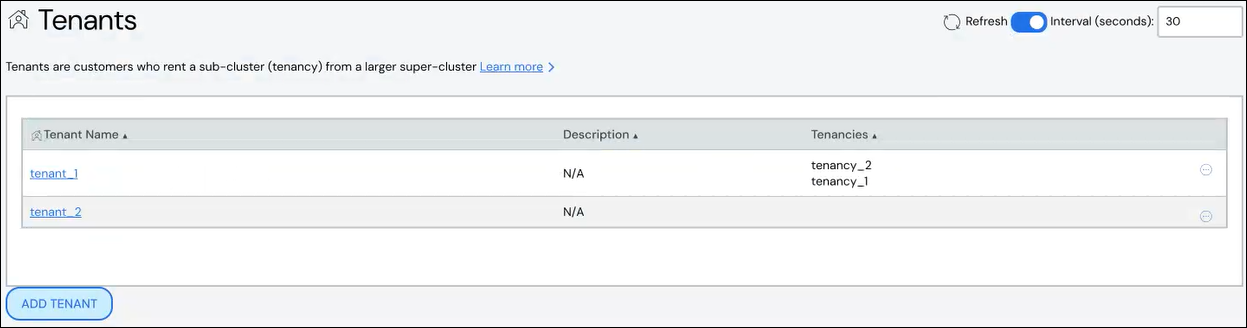
Create Tenant#
To create a tenant:
Click Add Tenant.
Add details about the tenant.
Name: Required. Names must start with an alphabet character, not a number.
Description: Optional.
Click Save.
The new tenant appears in the list at the top of the page.
Edit Tenant#
To edit a tenant:
Click the tenant name to open the tenant details, then click Edit Tenant. Alternatively, click the More menu
 on the far right of
the row and select the Edit action.
on the far right of
the row and select the Edit action.The Edit Tenant pane populates with the tenant details.
Make updates to the tenant details.
Click Save to modify the tenant.
Delete Tenant#
To delete a tenant, click the More menu on the far right of the
row and select the Delete action.