

Terminal Page#
The Terminal page allows you to run commands on one or more compute nodes simultaneously. For example, you could use the terminal to check if a package is installed on a group of nodes or use a dnf install command to install any missing packages. Commands run from the Terminal page are run as the root user. The page is available via Nodes > Terminal in the left navigation panel.
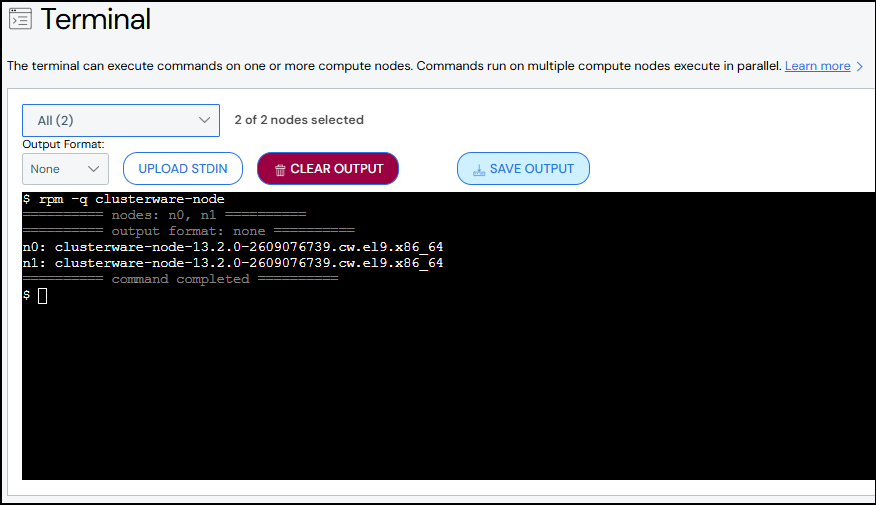
The following actions are available to control the terminal:
Target Nodes: By default all nodes are selected. Use the drop-down to select specific nodes. The drop-down text updates to list the selected nodes.
Output Format: By default the command output appears in the order received from the nodes. Selecting In Order displays the command results in node index order (n0, n1, and so on) even if the results were not received in that order. Selecting Compact abbreviates the command output so that nodes with the same output message are grouped while unique messages are listed separately.
Upload stdin: Add a text file to be used as though it is entered on the node.
Save Output: Exports the entire terminal window contents as a text file.
Clear Output: Clears the terminal window.